Use Pokemon Price Tracker API with AI Coding Tools (Claude Code, Cursor, Cline)

Team
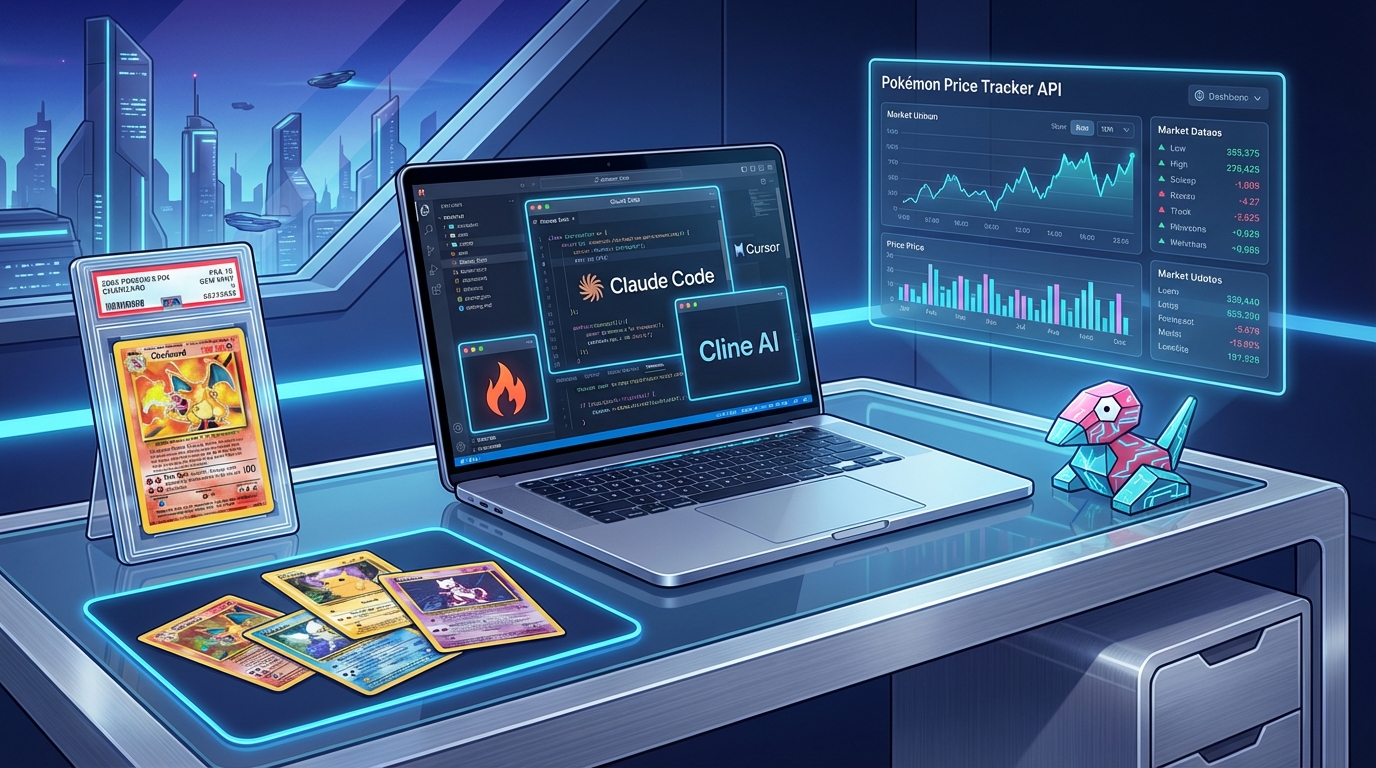
Use Pokemon Price Tracker API with AI Coding Tools
The Rise of Vibe Coding
"Vibe coding" - using AI assistants to write code through natural language - is transforming how developers build applications. Tools like Claude Code, Cursor, and Cline let you describe what you want and watch the code materialize.
But there's a catch: AI tools need to understand your API to use it effectively.
That's why we've made the Pokemon Price Tracker API fully AI-readable. Just point your AI assistant to our documentation URLs, and it can write integration code automatically.
AI-Friendly Documentation URLs
We provide two formats optimized for AI consumption:
OpenAPI Specification (Complete)
https://www.pokemonpricetracker.com/api/openapi
Full machine-readable API spec with all endpoints, parameters, response schemas, and examples.
llms.txt (Quick Reference)
https://www.pokemonpricetracker.com/llms.txt
Concise markdown summary designed for LLM context windows. Perfect for quick tasks.
How to Use with Popular AI Tools
Claude Code / Claude CLI
Add these URLs to your project context or paste them directly in your prompt:
Read the API docs at https://www.pokemonpricetracker.com/llms.txt and help me build a Pokemon card price checker in TypeScript.
Or include in your project's CLAUDE.md file:
## External APIs

Pokemon Price Tracker API:
- Docs: https://www.pokemonpricetracker.com/api/openapi
- Quick ref: https://www.pokemonpricetracker.com/llms.txt
- Auth: Bearer token in Authorization header
Cursor
In Cursor, use the @web command to fetch the API docs:
@web https://www.pokemonpricetracker.com/llms.txt

Create a React component that searches for Pokemon cards and displays prices
Or add to your project's .cursorrules file:
When working with Pokemon card prices, reference the API at:
https://www.pokemonpricetracker.com/api/openapi
Cline / Continue
Add the API documentation to your context:
Fetch https://www.pokemonpricetracker.com/llms.txt and use it to build a price lookup feature for my Discord bot.
GitHub Copilot
While Copilot doesn't fetch URLs directly, you can paste the llms.txt content into a comment block:
/**
 * Pokemon Price Tracker API Reference:
 * Base URL: https://www.pokemonpricetracker.com/api/v2
 * Auth: Bearer token
 *
 * GET /cards - Search cards (params: search, setId, limit)
 * GET /sets - List sets
 * GET /sealed-products - Sealed product prices
 */

// Now Copilot understands the API
async function searchCards(query: string) {
  // Copilot will autocomplete with correct API calls
}
Real-World Examples
Example 1: Quick Price Lookup (TypeScript)
Prompt to Claude Code:
Using the Pokemon Price Tracker API at https://www.pokemonpricetracker.com/llms.txt, create a function that searches for a card by name and returns its price.
Claude generates:
const API_KEY = process.env.POKEMON_API_KEY;
const BASE_URL = 'https://www.pokemonpricetracker.com/api/v2';

async function getCardPrice(cardName: string): Promise {
  const response = await fetch(
    `${BASE_URL}/cards?search=${encodeURIComponent(cardName)}&limit=1`,
    {
      headers: {
        'Authorization': `Bearer ${API_KEY}`,
      },
    }
  );

  const data = await response.json();

  if (data.data && data.data.length > 0) {
    const card = data.data[0];
    return {
      name: card.name,
      setName: card.setName,
      price: card.prices.market,
    };
  }

  return null;
}

// Usage
const card = await getCardPrice('Charizard VMAX');
console.log(`${card.name} from ${card.setName}: $${card.price}`);
Example 2: Discord Bot Command (Node.js)
Prompt to Cursor:
@web https://www.pokemonpricetracker.com/llms.txt

Create a Discord slash command that lets users look up Pokemon card prices. Include price, set name, and an image.
Cursor generates:
import { SlashCommandBuilder, EmbedBuilder } from 'discord.js';

export const data = new SlashCommandBuilder()
  .setName('cardprice')
  .setDescription('Look up a Pokemon card price')
  .addStringOption(option =>
    option.setName('card')
      .setDescription('Card name to search')
      .setRequired(true));

export async function execute(interaction) {
  await interaction.deferReply();

  const cardName = interaction.options.getString('card');

  const response = await fetch(
    `https://www.pokemonpricetracker.com/api/v2/cards?search=${encodeURIComponent(cardName)}&limit=1`,
    {
      headers: { 'Authorization': `Bearer ${process.env.POKEMON_API_KEY}` }
    }
  );

  const { data } = await response.json();

  if (!data || data.length === 0) {
    return interaction.editReply('Card not found!');
  }

  const card = data[0];

  const embed = new EmbedBuilder()
    .setTitle(card.name)
    .setDescription(`**Set:** ${card.setName}\n**Rarity:** ${card.rarity}`)
    .addFields(
      { name: 'Market Price', value: `$${card.prices.market?.toFixed(2) || 'N/A'}`, inline: true },
      { name: 'Low Price', value: `$${card.prices.low?.toFixed(2) || 'N/A'}`, inline: true },
    )
    .setImage(card.imageCdnUrl400)
    .setColor(0xFFCC00);

  await interaction.editReply({ embeds: [embed] });
}
Example 3: React Price Checker Component
Prompt to Cline:
Using https://www.pokemonpricetracker.com/llms.txt, build a React component with a search input that displays Pokemon card prices with images. Use Tailwind for styling.
Cline generates:
import { useState } from 'react';

interface Card {
  tcgPlayerId: string;
  name: string;
  setName: string;
  rarity: string;
  prices: { market: number; low: number };
  imageCdnUrl400: string;
}

export function CardPriceSearch() {
  const [query, setQuery] = useState('');
  const [cards, setCards] = useState([]);
  const [loading, setLoading] = useState(false);

  const searchCards = async () => {
    if (!query.trim()) return;

    setLoading(true);
    try {
      const res = await fetch(
        `/api/pokemon-proxy?search=${encodeURIComponent(query)}&limit=12`
      );
      const data = await res.json();
      setCards(data.data || []);
    } finally {
      setLoading(false);
    }
  };

  return (


         setQuery(e.target.value)}
          onKeyDown={(e) => e.key === 'Enter' && searchCards()}
          placeholder="Search for a Pokemon card..."
          className="flex-1 px-4 py-2 border rounded-lg focus:ring-2 focus:ring-blue-500"
        />

          {loading ? 'Searching...' : 'Search'}


        {cards.map((card) => (


            {card.name}
            {card.setName}

              ${card.prices.market?.toFixed(2) || 'N/A'}


        ))}


  );
}
Tips for Better AI Integration
1. Be Specific About What You Need
Less effective:
Make a Pokemon price app
More effective:
Using https://www.pokemonpricetracker.com/llms.txt, create a Next.js API route that:
1. Accepts a card name as query parameter
2. Fetches price data from Pokemon Price Tracker API
3. Returns formatted response with name, set, price, and image URL
4. Handles errors gracefully
2. Include Authentication Context
The Pokemon API requires Bearer token authentication.
Store the API key in POKEMON_API_KEY environment variable.
Never expose the key in client-side code.
3. Specify Response Handling
The API returns data in this format:
{
  "data": [...cards],
  "metadata": { total, count, hasMore }
}

Always check if data exists before accessing array items.
4. Request Rate Limit Awareness
The API has rate limits (60 calls/minute on free tier).
Add appropriate error handling for 429 responses.
Consider caching results for repeated queries.
Advanced: MCP Server Integration
For the ultimate Claude Code experience, we're exploring an MCP (Model Context Protocol) server that would give Claude direct tool access to query Pokemon card prices.
Coming soon:
{
  "mcpServers": {
    "pokemon-prices": {
      "command": "npx",
      "args": ["-y", "your-own-mcp-wrapper"]  // no official MCP package is published
    }
  }
}
This would enable prompts like:
Use the pokemon-prices tool to find the top 5 most expensive Charizard cards
Interested? Join our Discord to stay updated.
API Resources
- Interactive Docs: /docs (Scalar-powered OpenAPI explorer)
- OpenAPI Spec: /api/openapi (JSON)
- AI Quick Reference: /llms.txt
- Get API Key: /api-docs
Related Tutorials
- Build a ChatGPT Custom GPT for Pokemon Cards
- Discord Bot for Pokemon Card Prices
- Python Pokemon Price Automation
Get Started
Ready to build with AI? Get your free API key and start creating:
Questions? Join our Discord community or check out the API documentation.
Team
Pokemon Market Experts
The PokemonPriceTracker team of experts brings you accurate market analysis, investment strategies, and collecting guides.
Follow on TwitterRelated Articles
How to Get Up-to-Date Pokémon Card Prices for Your App
Want to display up-to-date Pokémon card prices in your application? This technical guide shows you how to use our price API to power your project.
Team

Pokemon Card Price API: Complete Developer Guide to Up-to-Date TCG Data 2025
Integrate Pokemon card pricing into your applications with our comprehensive API guide. Learn endpoints, authentication, rate limits, and best practices for building Pokemon TCG applications with daily-updated market data.
API Development Team

Build a Discord Bot for Pokemon Card Prices - Complete 2025 Guide
Learn how to build a fully-featured Discord bot that provides Pokemon card prices, PSA grading analysis, and market data. Includes commands, embeds, deployment guide, and source code.
PokemonPriceTracker Team
Stay Updated
Subscribe to our newsletter for the latest Pokemon card market trends, investment opportunities, and exclusive insights delivered straight to your inbox.