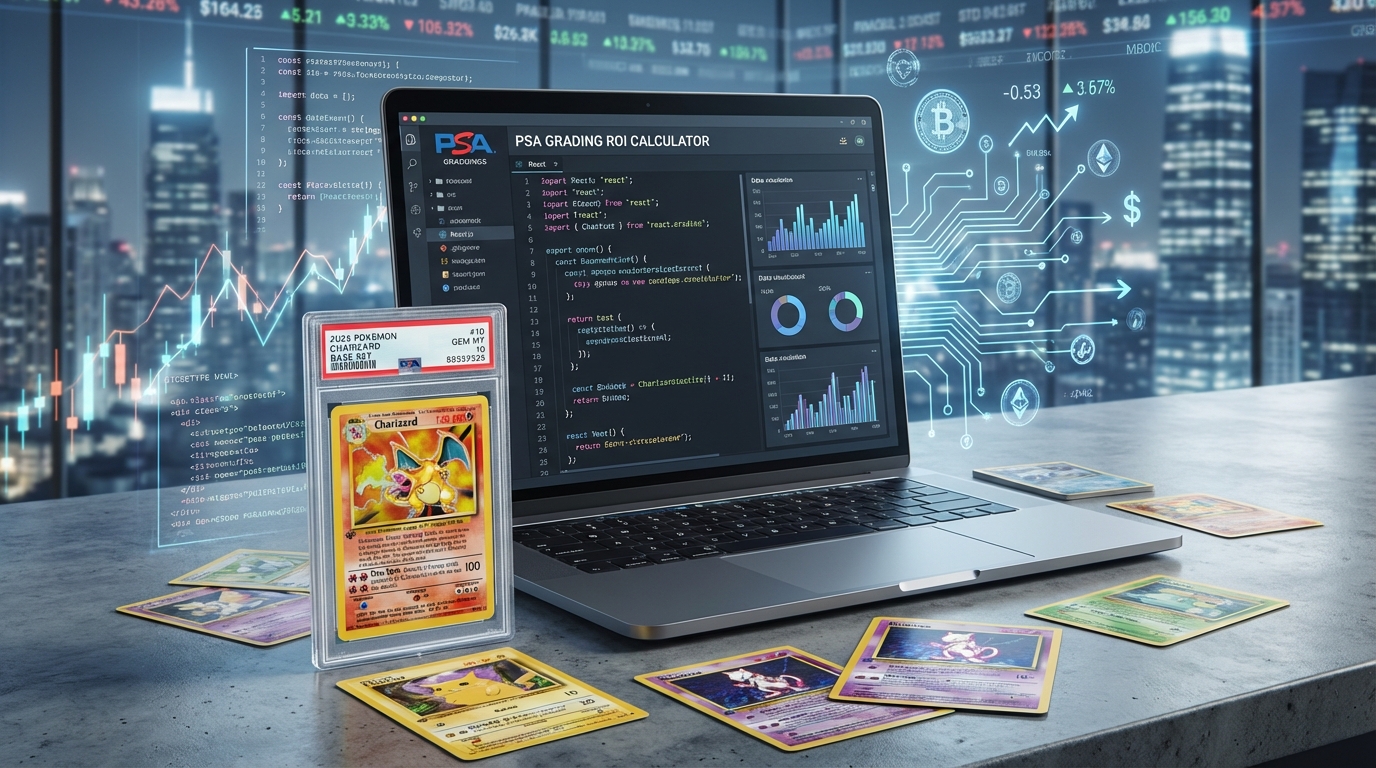
A complete collection management platform with:
- ✅ User authentication (Clerk)
- ✅ Card search and add to collection
- ✅ Portfolio value tracking
- ✅ AI-powered investment insights (OpenAI)
- ✅ Price history charts
- ✅ Collection analytics dashboard
- Frontend: Next.js 15 + React
- Database: MongoDB + Mongoose
- Auth: Clerk
- AI: OpenAI GPT-4
- API: PokemonPriceTracker
npx create-next-app@latest pokemon-tracker
cd pokemon-tracker
npm install mongoose @clerk/nextjs openai axios recharts
// src/models/CollectionCard.ts
import mongoose from 'mongoose';

const CollectionCardSchema = new mongoose.Schema({
  userId: {
    type: String,
    required: true,
    index: true
  },
  tcgPlayerId: {
    type: String,
    required: true
  },
  cardName: String,
  setName: String,
  purchasePrice: Number,
  purchaseDate: Date,
  quantity: {
    type: Number,
    default: 1
  },
  condition: {
    type: String,
    enum: ['Mint', 'Near Mint', 'Lightly Played', 'Played'],
    default: 'Near Mint'
  },
  currentPrice: Number,
  lastUpdated: {
    type: Date,
    default: Date.now
  }
});

export const CollectionCard = mongoose.models.CollectionCard ||
  mongoose.model('CollectionCard', CollectionCardSchema);
// src/app/actions/collection.ts
'use server';

import { auth } from '@clerk/nextjs';
import { CollectionCard } from '@/models/CollectionCard';
import { connectToDatabase } from '@/lib/mongodb';
import axios from 'axios';
import { revalidatePath } from 'next/cache';

export async function addCardToCollection(data: {
  tcgPlayerId: string;
  purchasePrice?: number;
  quantity?: number;
  condition?: string;
}) {
  const { userId } = auth();

  if (!userId) {
    throw new Error('Unauthorized');
  }

  await connectToDatabase();

  // Fetch current card data from API
  const response = await axios.get(
    `https://www.pokemonpricetracker.com/api/v2/cards?tcgPlayerId=${data.tcgPlayerId}&limit=1`,
    {
      headers: {
        'Authorization': `Bearer ${process.env.POKEMON_API_KEY}`
      }
    }
  );

  const cardData = response.data;

  const collectionCard = await CollectionCard.create({
    userId,
    tcgPlayerId: data.tcgPlayerId,
    cardName: cardData.name,
    setName: cardData.setName,
    purchasePrice: data.purchasePrice || cardData.prices.market,
    purchaseDate: new Date(),
    quantity: data.quantity || 1,
    condition: data.condition || 'Near Mint',
    currentPrice: cardData.prices.market
  });

  revalidatePath('/dashboard/collection');
  return collectionCard;
}

export async function getCollection() {
  const { userId } = auth();

  if (!userId) {
    throw new Error('Unauthorized');
  }

  await connectToDatabase();

  const cards = await CollectionCard.find({ userId }).lean();
  return JSON.parse(JSON.stringify(cards));
}

export async function updatePrices() {
  const { userId } = auth();

  if (!userId) {
    throw new Error('Unauthorized');
  }

  await connectToDatabase();

  const cards = await CollectionCard.find({ userId });

  for (const card of cards) {
    try {
      const response = await axios.get(
        `https://www.pokemonpricetracker.com/api/v2/cards/${card.tcgPlayerId}`,
        {
          headers: {
            'Authorization': `Bearer ${process.env.POKEMON_API_KEY}`
          }
        }
      );

      card.currentPrice = response.data.prices.market;
      card.lastUpdated = new Date();
      await card.save();
    } catch (error) {
      console.error(`Error updating ${card.cardName}:`, error);
    }
  }

  revalidatePath('/dashboard/collection');
}
// src/app/dashboard/collection/page.tsx
import { getCollection } from '@/app/actions/collection';
import { AddCardForm } from '@/components/AddCardForm';
import { CollectionGrid } from '@/components/CollectionGrid';
import { PortfolioSummary } from '@/components/PortfolioSummary';

export default async function CollectionPage() {
  const cards = await getCollection();

  const totalInvested = cards.reduce((sum, card) =>
    sum + (card.purchasePrice * card.quantity), 0
  );

  const currentValue = cards.reduce((sum, card) =>
    sum + (card.currentPrice * card.quantity), 0
  );

  const totalGain = currentValue - totalInvested;
  const totalGainPct = (totalGain / totalInvested) * 100;

  return (
    <div className="container mx-auto p-6">
      <h1 className="text-3xl font-bold mb-6">My Collection</h1>

      <PortfolioSummary
        totalInvested={totalInvested}
        currentValue={currentValue}
        totalGain={totalGain}
        totalGainPct={totalGainPct}
        cardCount={cards.length}
      />

      <AddCardForm />

      <CollectionGrid cards={cards} />
    </div>
  );
}
// src/components/AddCardForm.tsx
'use client';

import { useState } from 'react';
import { addCardToCollection } from '@/app/actions/collection';
import axios from 'axios';

export function AddCardForm() {
  const [search, setSearch] = useState('');
  const [results, setResults] = useState([]);
  const [loading, setLoading] = useState(false);

  const handleSearch = async () => {
    setLoading(true);
    const response = await axios.post('/api/search-cards', {
      query: search
    });
    setResults(response.data.matches || []);
    setLoading(false);
  };

  const handleAdd = async (card: any) => {
    await addCardToCollection({
      tcgPlayerId: card.tcgPlayerId
    });
    alert('Card added to collection!');
  };

  return (
    <div className="bg-white p-6 rounded-lg shadow mb-6">
      <h2 className="text-xl font-bold mb-4">Add Card</h2>

      <div className="flex gap-2 mb-4">
        <input
          type="text"
          value={search}
          onChange={(e) => setSearch(e.target.value)}
          placeholder="Search for a card..."
          className="flex-1 border rounded px-4 py-2"
        />
        <button
          onClick={handleSearch}
          className="bg-blue-600 text-white px-6 py-2 rounded"
        >
          Search
        </button>
      </div>

      {results.length > 0 && (
        <div className="grid grid-cols-3 gap-4">
          {results.map((result: any) => (
            <div key={result.card.tcgPlayerId} className="border rounded p-4">
              <img
                src={result.card.image?.url}
                alt={result.card.name}
                className="w-full mb-2"
              />
              <h3 className="font-bold">{result.card.name}</h3>
              <p className="text-sm text-gray-600">{result.card.setName}</p>
              <p className="text-lg font-bold mt-2">
                ${result.card.prices.market.toFixed(2)}
              </p>
              <button
                onClick={() => handleAdd(result.card)}
                className="w-full bg-green-600 text-white py-2 rounded mt-2"
              >
                Add to Collection
              </button>
            </div>
          ))}
        </div>
      )}
    </div>
  );
}
// src/app/actions/ai-insights.ts
'use server';

import OpenAI from 'openai';
import { getCollection } from './collection';

const openai = new OpenAI({
  apiKey: process.env.OPENAI_API_KEY
});

export async function getAIInsights() {
  const cards = await getCollection();

  // Calculate portfolio stats
  const totalValue = cards.reduce((sum, card) =>
    sum + (card.currentPrice * card.quantity), 0
  );

  const totalInvested = cards.reduce((sum, card) =>
    sum + (card.purchasePrice * card.quantity), 0
  );

  const cardsList = cards.map(card =>
    `${card.cardName} (${card.setName}): Purchased at $${card.purchasePrice}, Current $${card.currentPrice}`
  ).join('\n');

  const prompt = `Analyze this Pokemon card collection and provide investment insights:

Portfolio Value: $${totalValue.toFixed(2)}
Total Invested: $${totalInvested.toFixed(2)}
Total Gain: $${(totalValue - totalInvested).toFixed(2)}

Cards:
${cardsList}

Provide:
1. Overall portfolio health assessment
2. Best performing cards and why
3. Underperforming cards and recommendations
4. Diversification analysis
5. Investment opportunities or selling recommendations

Be specific and actionable.`;

  const completion = await openai.chat.completions.create({
    model: 'gpt-4',
    messages: [
      {
        role: 'system',
        content: 'You are a Pokemon card investment analyst with expertise in market trends and card valuations.'
      },
      {
        role: 'user',
        content: prompt
      }
    ]
  });

  return completion.choices[0].message.content;
}
// src/components/AIInsights.tsx
'use client';

import { useState } from 'react';
import { getAIInsights } from '@/app/actions/ai-insights';

export function AIInsights() {
  const [insights, setInsights] = useState('');
  const [loading, setLoading] = useState(false);

  const handleGenerate = async () => {
    setLoading(true);
    const result = await getAIInsights();
    setInsights(result);
    setLoading(false);
  };

  return (
    <div className="bg-gradient-to-r from-purple-50 to-blue-50 p-6 rounded-lg">
      <h2 className="text-2xl font-bold mb-4">🤖 AI Investment Insights</h2>

      {!insights && (
        <button
          onClick={handleGenerate}
          disabled={loading}
          className="bg-purple-600 text-white px-6 py-3 rounded-lg font-semibold"
        >
          {loading ? 'Analyzing...' : 'Generate AI Analysis'}
        </button>
      )}

      {insights && (
        <div className="bg-white p-6 rounded-lg mt-4 prose">
          {insights.split('\n').map((line, i) => (
            <p key={i}>{line}</p>
          ))}
        </div>
      )}
    </div>
  );
}
# Build
npm run build

# Deploy to Vercel
vercel

# Set environment variables:
# - MONGODB_URI
# - POKEMON_API_KEY
# - OPENAI_API_KEY
# - NEXT_PUBLIC_CLERK_PUBLISHABLE_KEY
# - CLERK_SECRET_KEY
- Price Alerts: Notify when cards hit target prices
- Bulk Import: CSV upload for existing collections
- Set Completion: Track which sets you've completed
- Trade Value: Calculate fair trade values
- Collection Sharing: Public collection pages
Get Free API Key →